Race Day

Loop by loop.

How BackyardPace works from first setup through to the final bell.

The night before or morning of

Pre-race setup.

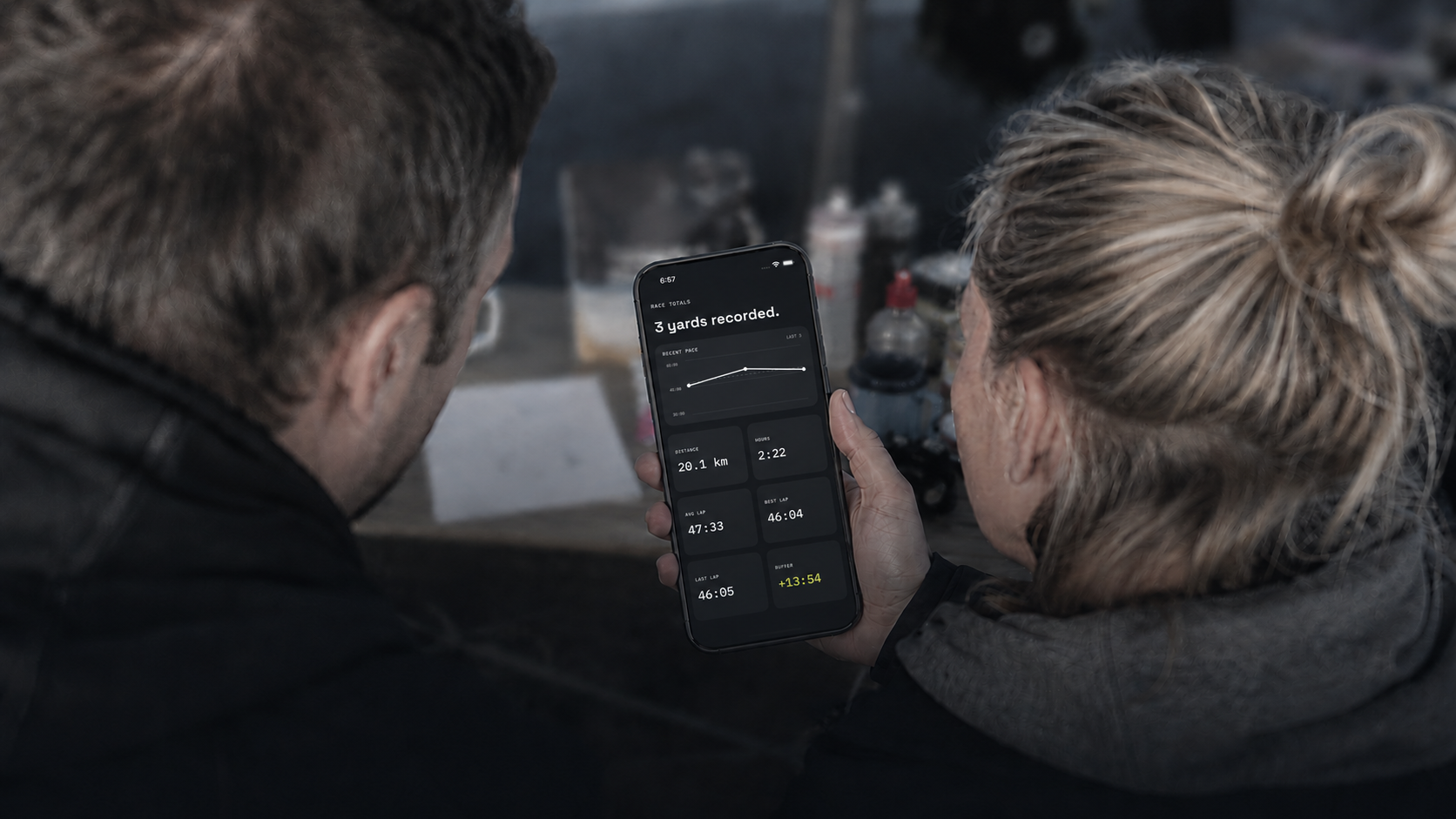
Open BackyardPace on your phone. Enter your scheduled race start time. Set your lap duration — standard Backyard Ultra is 60 minutes, but the app supports any interval.

That is the entire setup. BackyardPace derives every lap start, every countdown and every recovery window from those two values. There is no further configuration required.

Tap to send the schedule to the watch. The watch confirms it's received. Put your phone away.

You don't need to touch the phone again until the race is over.
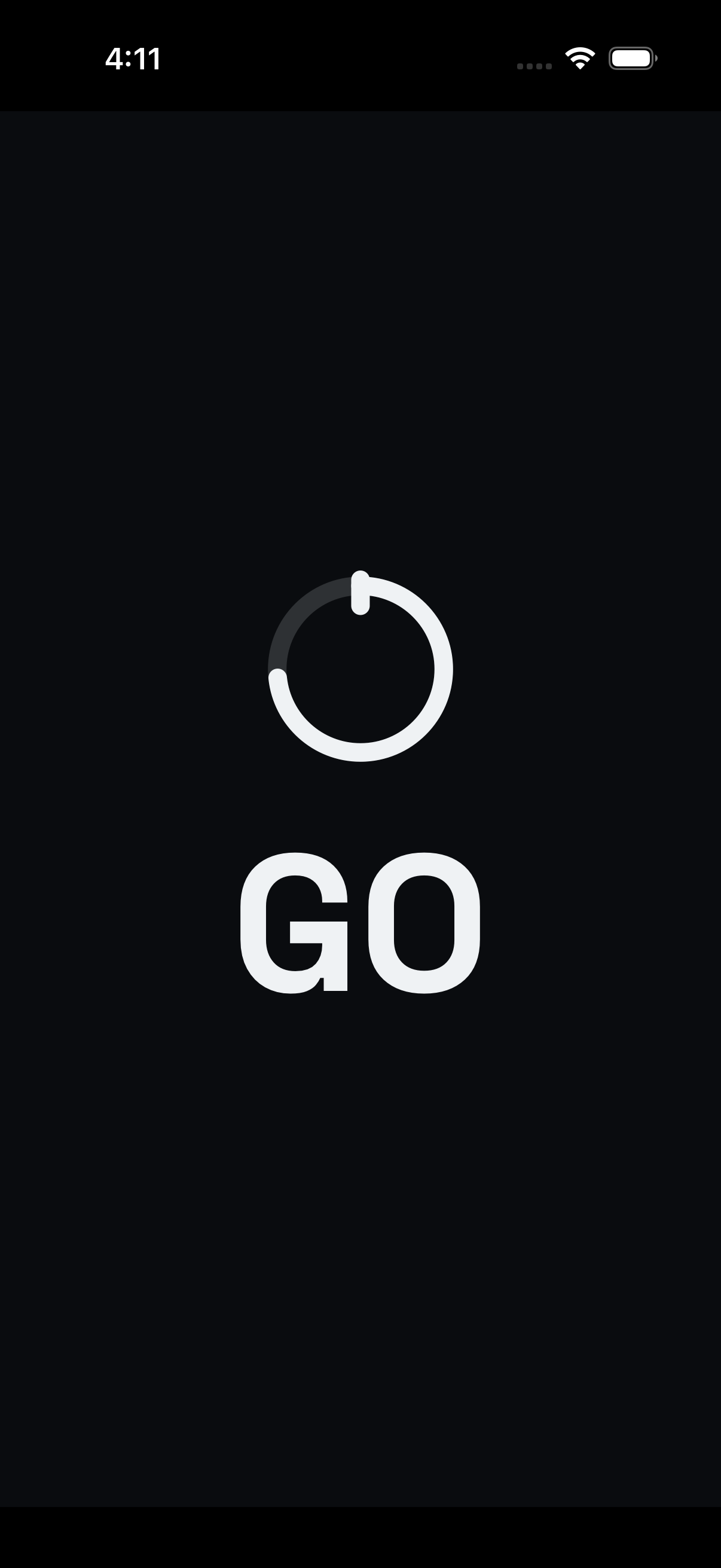
Photo: Pre-race setup on phone — morning light

On the hour

The gun fires. The watch starts.

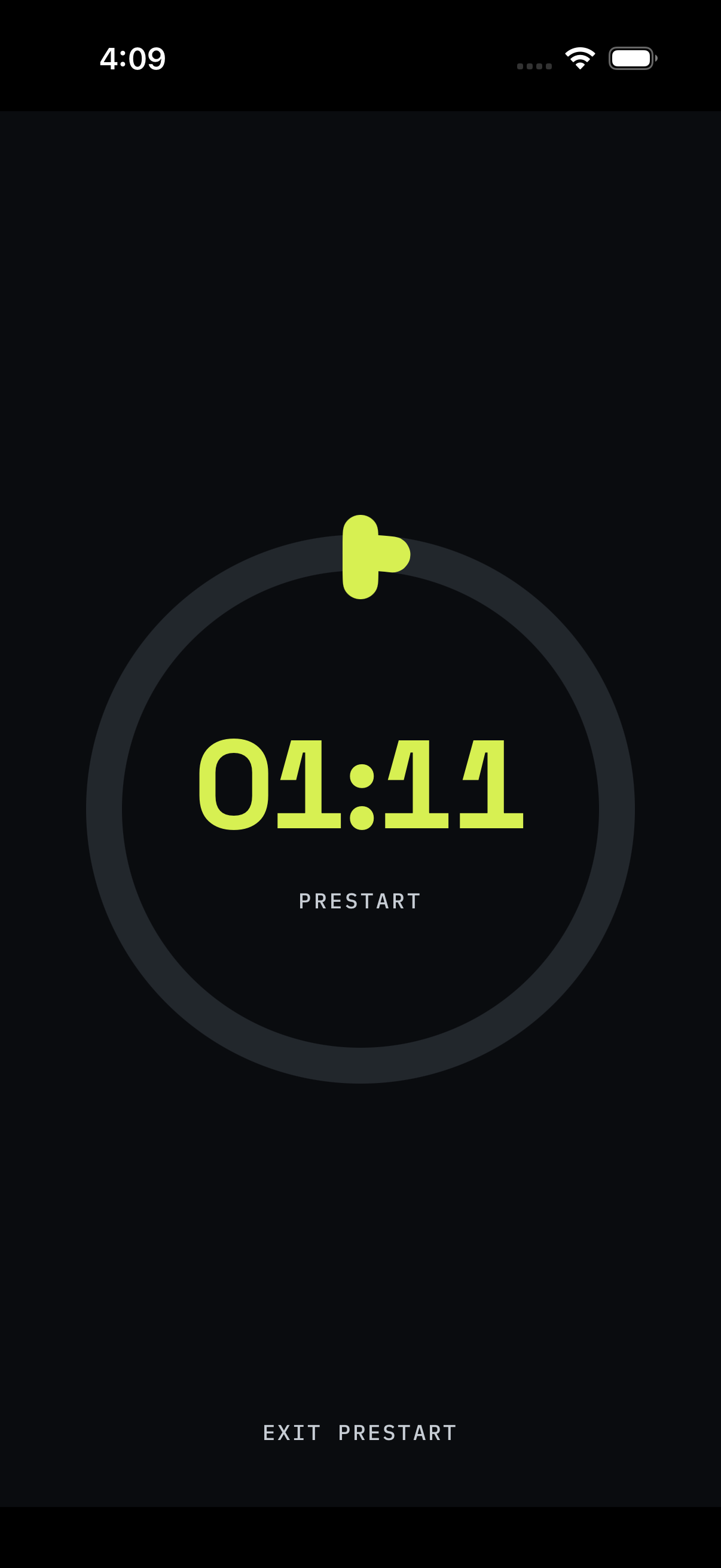
BackyardPace counts down to the start on your wrist. When the clock hits zero, the lap is live. No button to tap. No manual start. The timing begins exactly as scheduled.

You're at the start line with 50, 100, sometimes 200 other runners. The watch knows what time it is. It knows when you need to be moving. You don't have to think about it.

Leave the start line and run.

Photo: Race start — group at start line, Apple Watch visible

During the lap

Lap time. Time left. Heart rate. Nothing else.

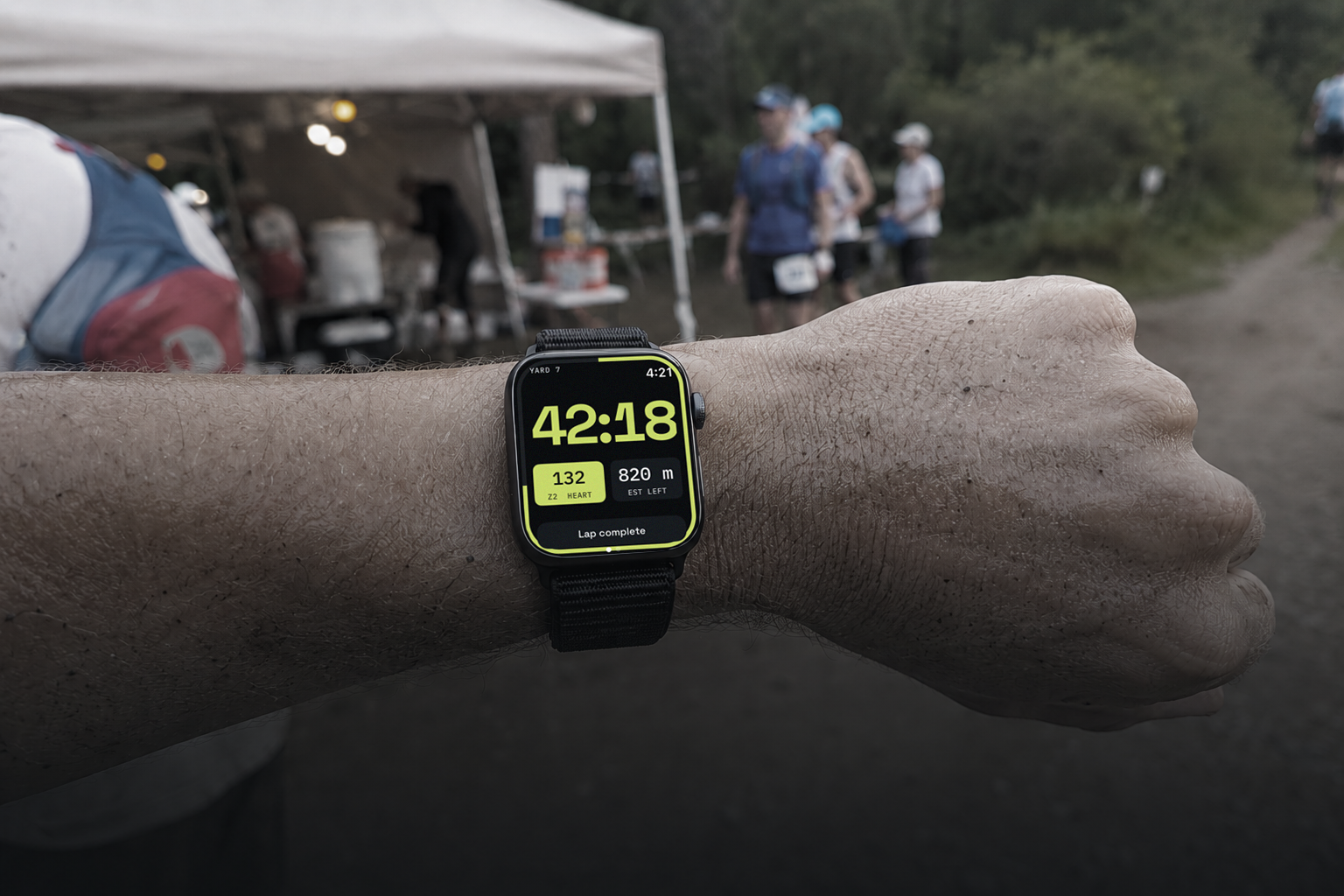
The watch screen shows you three things while you're running: how long you've been out on the current lap, how much time remains in the current hour window, and your heart rate.

This is intentional. In a race that can last 24, 36 or 48+ hours, cognitive load compounds. A screen that demands decisions is a screen that costs you energy. BackyardPace keeps it simple.

Glance, absorb, keep moving.

Photo: Apple Watch on wrist mid-stride showing race data

Crossing the line

Tap Lap Done. Recovery starts.

You cross the finish line for that loop. You tap Lap Done on the watch. BackyardPace records your lap time and immediately transitions to recovery mode.

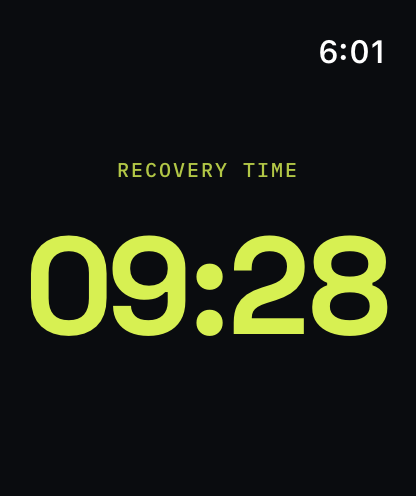
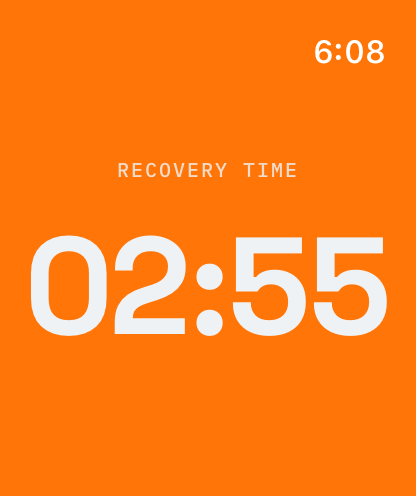
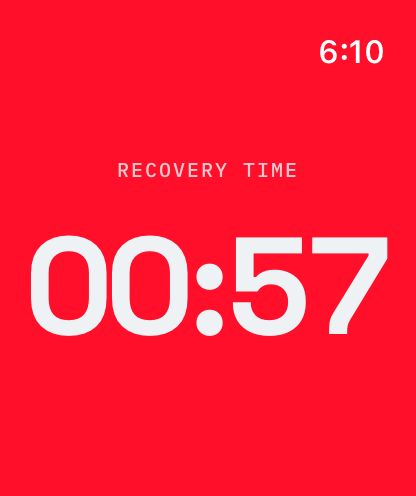
The screen switches to show your recovery countdown — the exact number of minutes and seconds until the next lap starts. Not an estimate. The exact number.

Sit down. Eat. Change your socks. Get your head right. The watch counts down. You don't have to.

Photo: Recovery — runner in camp chair, watch showing countdown

Hours pass. Laps accumulate. Night falls.

The night laps

3am. Lap 18. Still going.

This is the part of a Backyard Ultra that general running apps were never built for. The race is still running. The format is identical. The hour starts again. But everything else has changed.

Decision-making is harder. Sleep deprivation is real. The maths that were simple at 9am are foggy at 3am. This is exactly when you need the least cognitive friction from your equipment.

BackyardPace keeps working the same way it did on lap one. The watch knows what time it is. It knows when you leave. It knows how long you have. You know what to look at. That's enough.

The race doesn't change. The watch doesn't change. Only the darkness does.
Photo: Night running — headlamp, dark forest, watch glow visible

When it's over

Finish. DNF. Win.

At some point, every Backyard Ultra ends. You stop. Whether that's by choice, by missing the bell, or by being the last runner standing, the race is over.

Tap Stop Race on the watch. BackyardPace ends the workout, saves everything — GPS, heart rate, lap times, total duration — to Apple Health. Open the phone and your full race summary is waiting.

Total laps. Total distance. HR across the race. Splits. Everything that happened, recorded cleanly. The history screen stores it alongside previous races so you can track how you're improving.

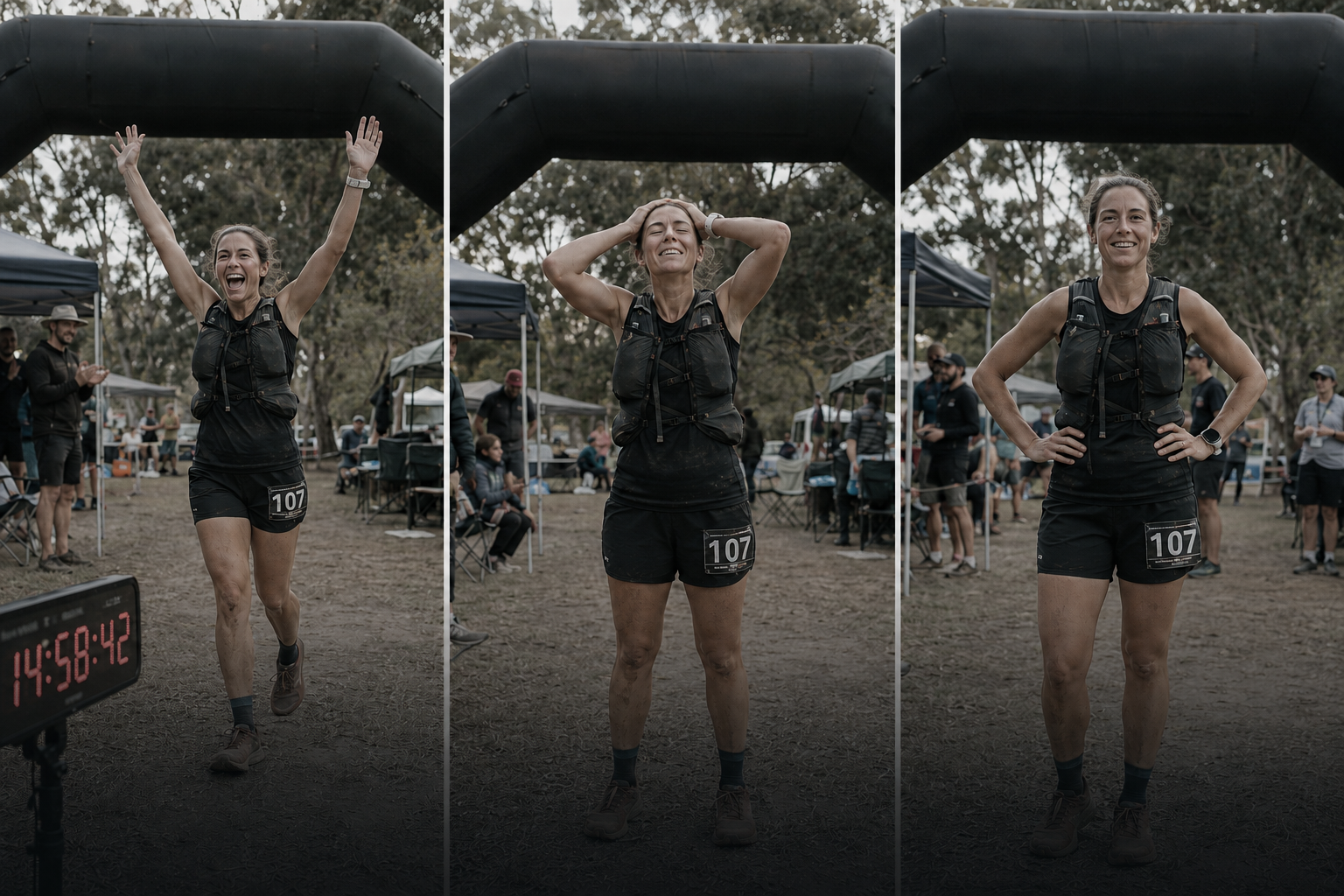
Photo: Finish line — digital clock showing 30:25:12, runner crossing

Coming soon

Be first to test it on race day.

Join the waitlist and be notified when the beta opens.

Join the Waitlist